One server, three doors
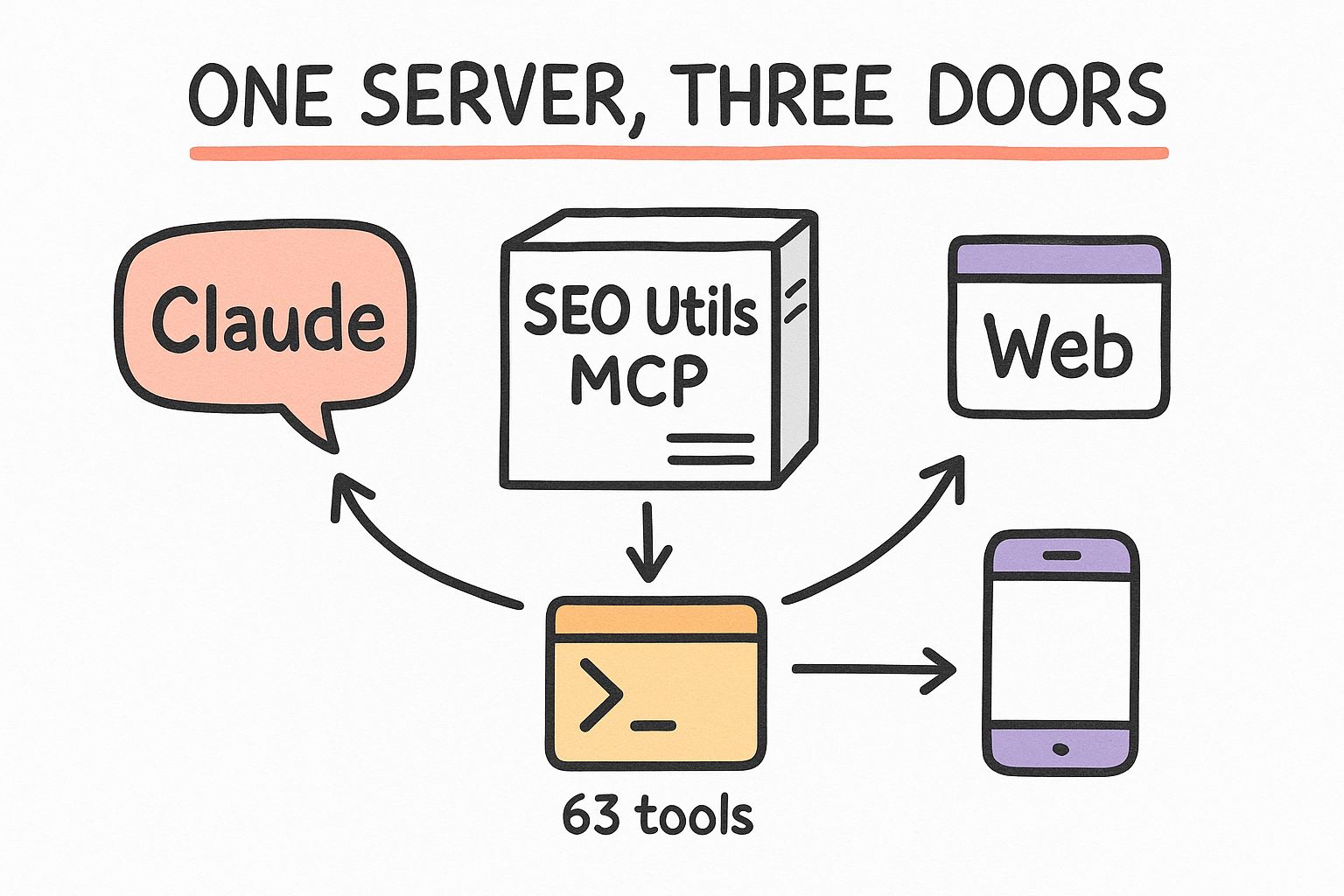
We paid for the SEO Utils tool and put it on a server that runs 24/7. It exposes 63 SEO tools (keywords, SERPs, backlinks, traffic, rank tracking) over something called an MCP server. You never log into a dashboard. You reach that one server three different ways, and they all hit the same live data.
- Door 1 — Claude: ask in plain English, it calls the tools.
- Door 2 — the seo-utils CLI: raw commands, JSON back, no Claude.
- Door 3 — the public URL: connect from the web or your phone.
What "the MCP" actually is
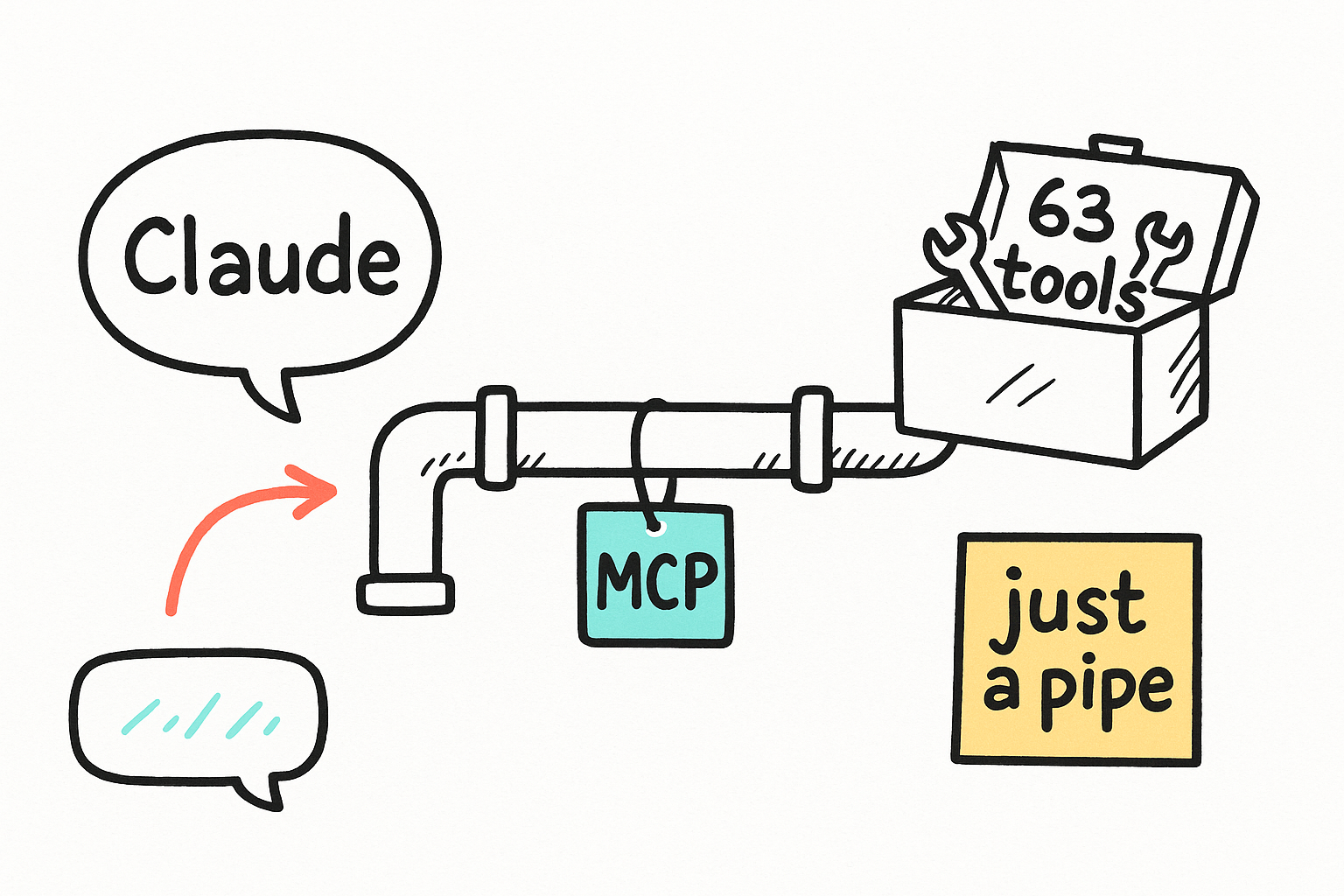
MCP is just the pipe between an AI and a set of tools. The SEO Utils app publishes its 63 tools through an MCP server. Anything that speaks MCP (Claude, our CLI) can connect to that pipe and call the tools. You never touch the pipe itself. You ask for an outcome; the tool on the other end does the work and hands back data.
- Think of it as a phone line to a senior SEO analyst.
- 63 tools on the other end, all backed by live DataForSEO.
- Claude picks the right tool automatically when you ask.
The engine on Hetzner
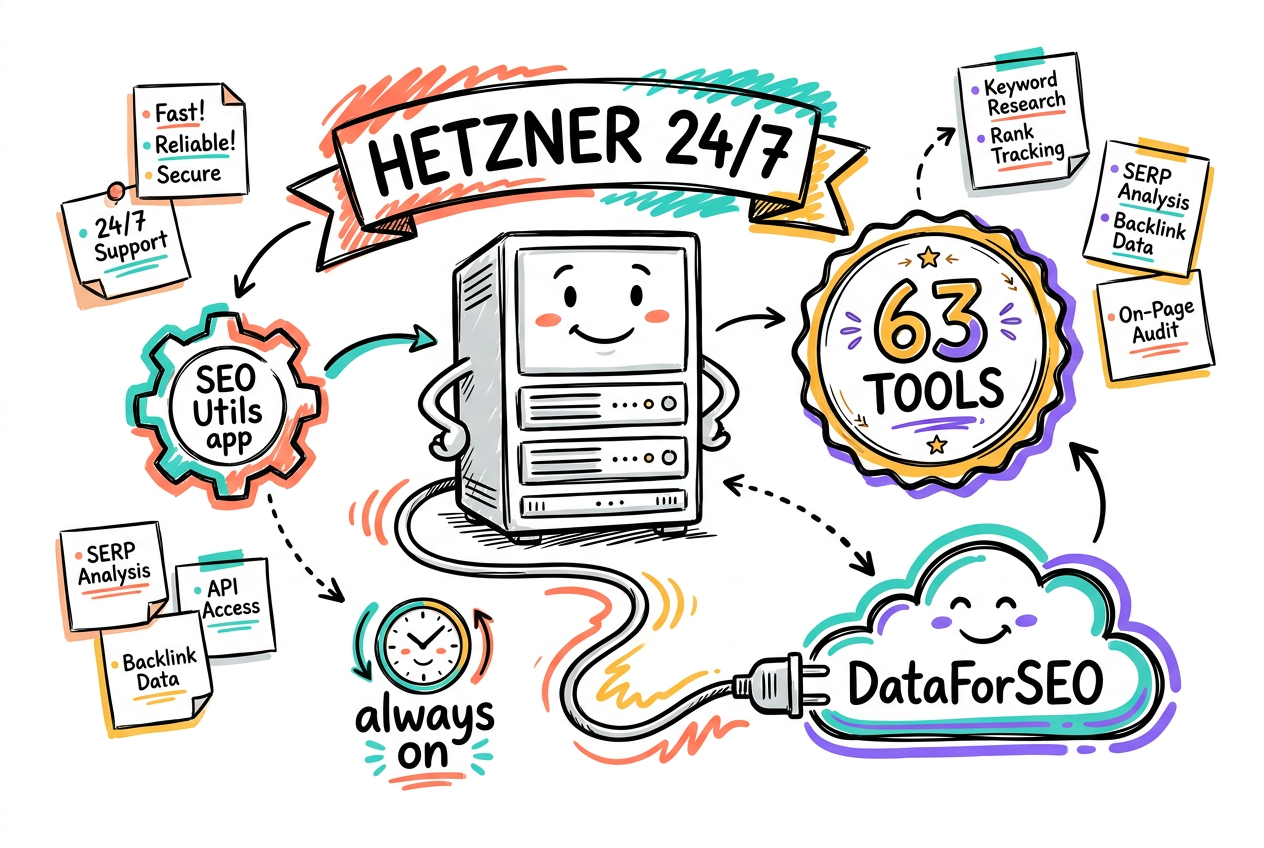
The SEO Utils desktop app runs headless on a Hetzner server, kept alive 24/7 by systemd so it survives reboots. Its MCP server listens locally on port 19515. DataForSEO is wired in for live numbers. It is licensed and verified end-to-end, so the tools return real data, not demos.
- App v1.47.4, headless, auto-restart (systemd).
- 63 tools on 127.0.0.1:19515, Bearer-token protected.
- DataForSEO connected = live keyword, SERP, backlink data.
Claude as client vs the raw CLI
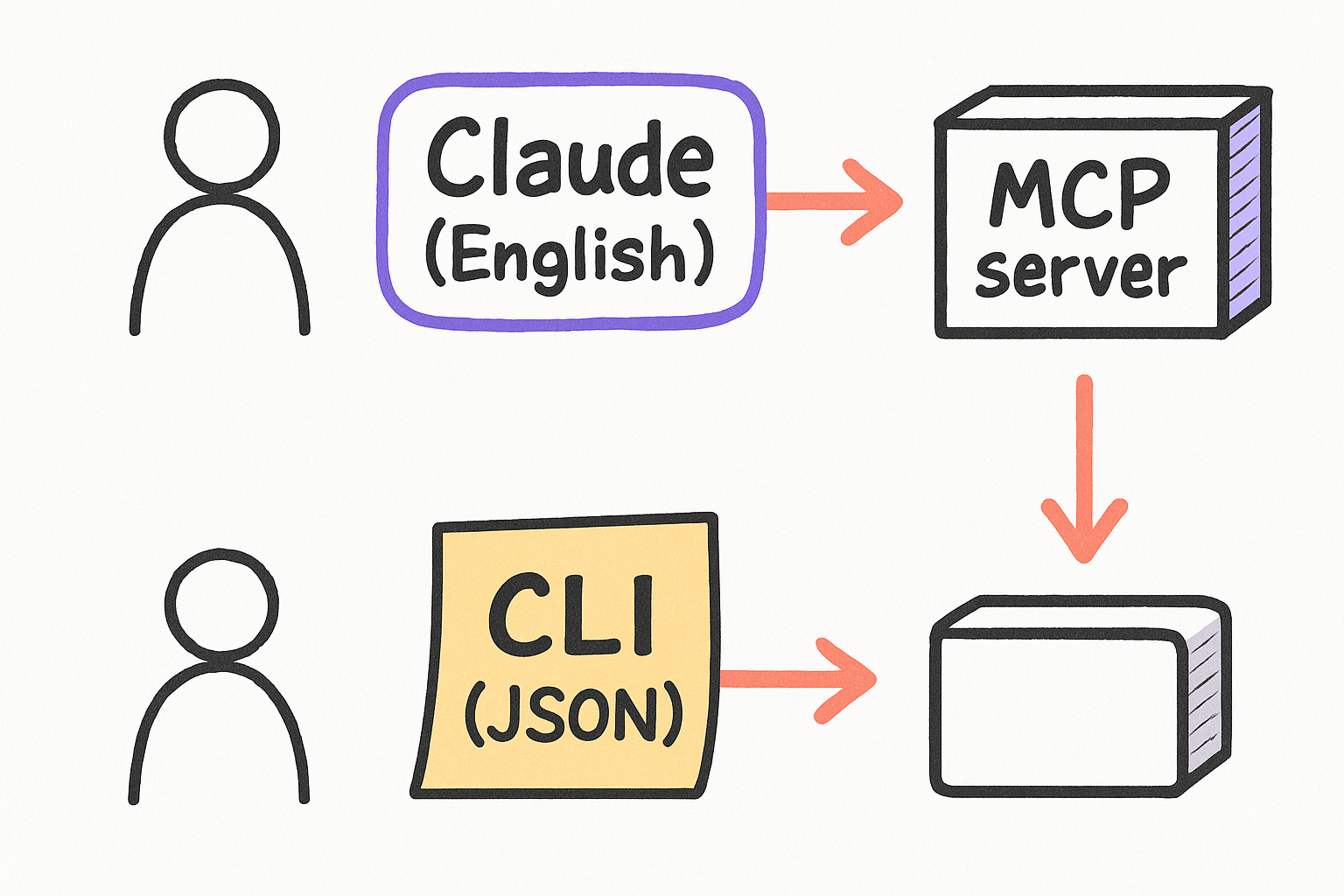
Two ways to call the same server. Through Claude, you talk in English and Claude runs the tools for you, great for reports and exploring, but it spends Claude tokens. Through the seo-utils CLI you run a command and get JSON straight back, no Claude in the loop, free, and perfect for scripts, cron, and automation.
- Want a narrated report or to explore? Use Claude.
- Want raw data in a script or cron job? Use the CLI.
- Both share the same endpoint and the same token.
using seo-utils, what's the search volume, CPC and difficulty for plumber dallas and emergency plumber dallas? put it in a table.seo-utils call check_keyword_metrics '{"keywords":["plumber dallas"],"location":"United States"}'The seo-utils CLI
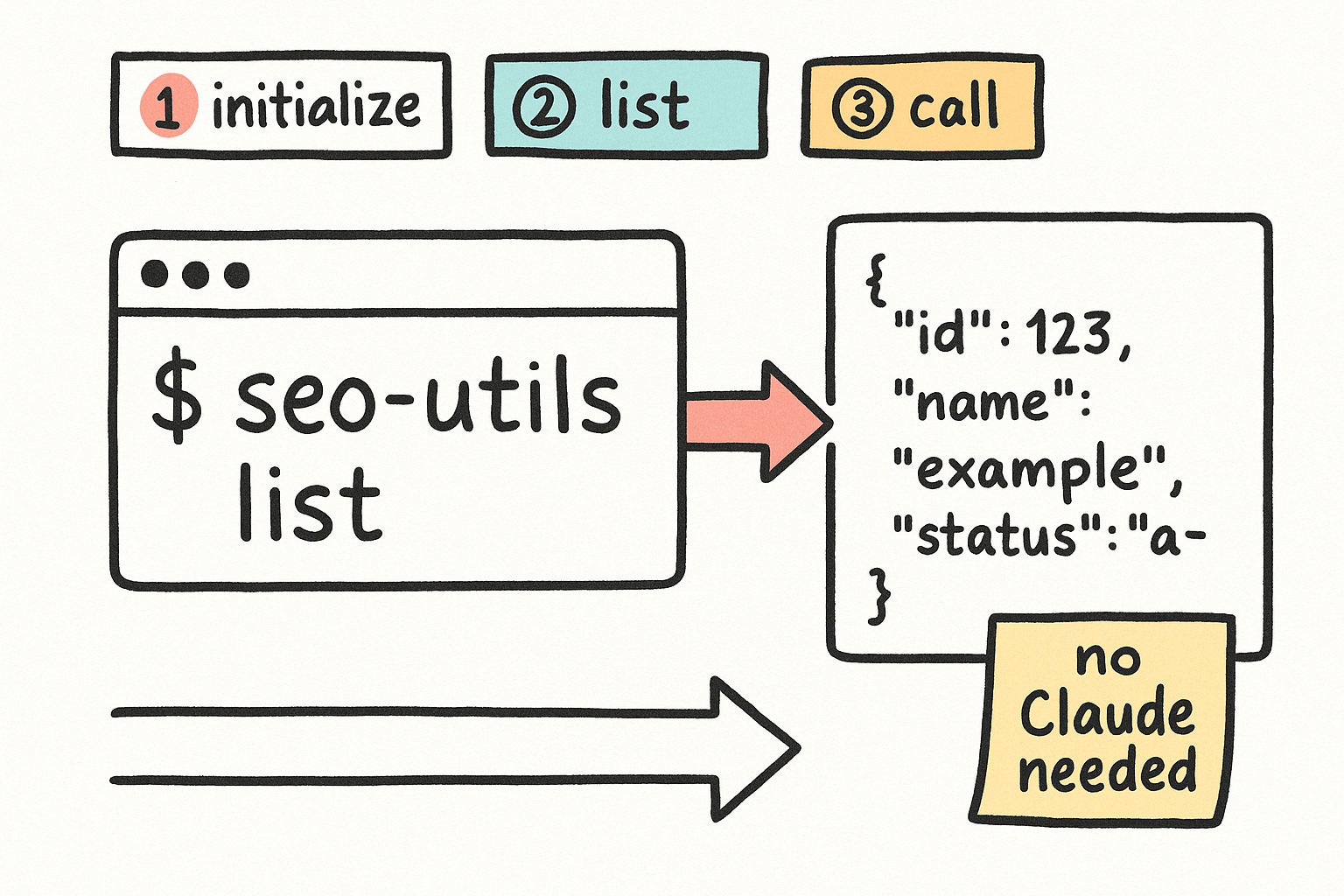
A tiny zero-dependency command you run from any terminal. Under the hood it does the MCP handshake (initialize, then list or call a tool), parses the streamed reply, and prints JSON. It reads the endpoint and token from a local .env. It is npm-linked, so seo-utils works from anywhere on the machine.
- list — see all 63 tools.
- schema <tool> — see exactly what a tool needs.
- call <tool> '<json>' — run any tool.
- sql "<SELECT...>" — query the local DB directly.
seo-utils listseo-utils sql "SELECT name FROM sqlite_master WHERE type='table'"Reach it from anywhere
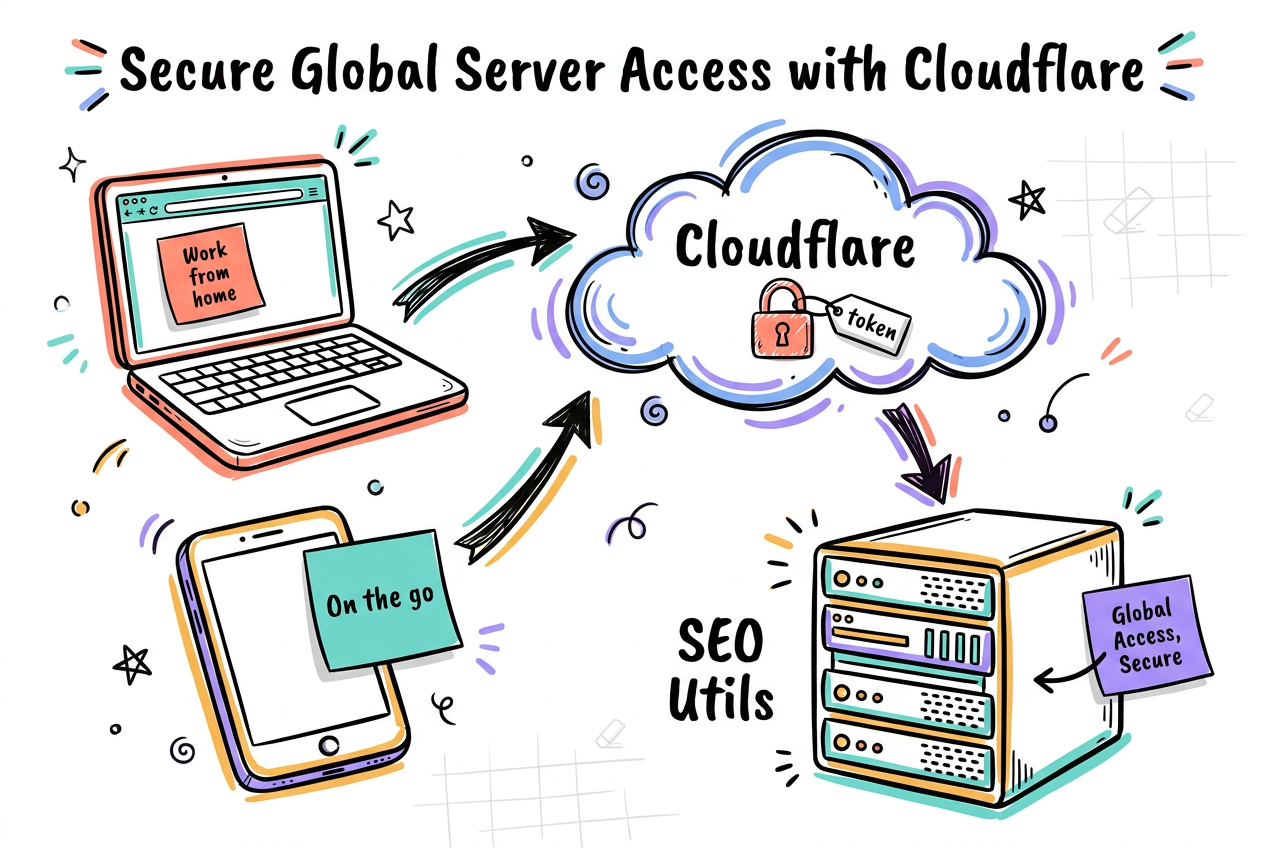
The server is exposed at a public HTTPS address through a Cloudflare tunnel, locked behind the Bearer token (no token, you get a 401). That means you can connect claude.ai on the web or your phone to the same engine, or point cloud automation (n8n, Make) at it, without anything running on your laptop.
- Public URL via Cloudflare tunnel, token-gated.
- Add it as a connector in claude.ai (web + mobile).
- The token is a secret. Share it privately, never in a repo.
claude mcp add --transport http --scope user seo-utils https://seoutils-mcp.imerlino.com/mcp --header "Authorization: Bearer <YOUR_TOKEN>"Pause and resume
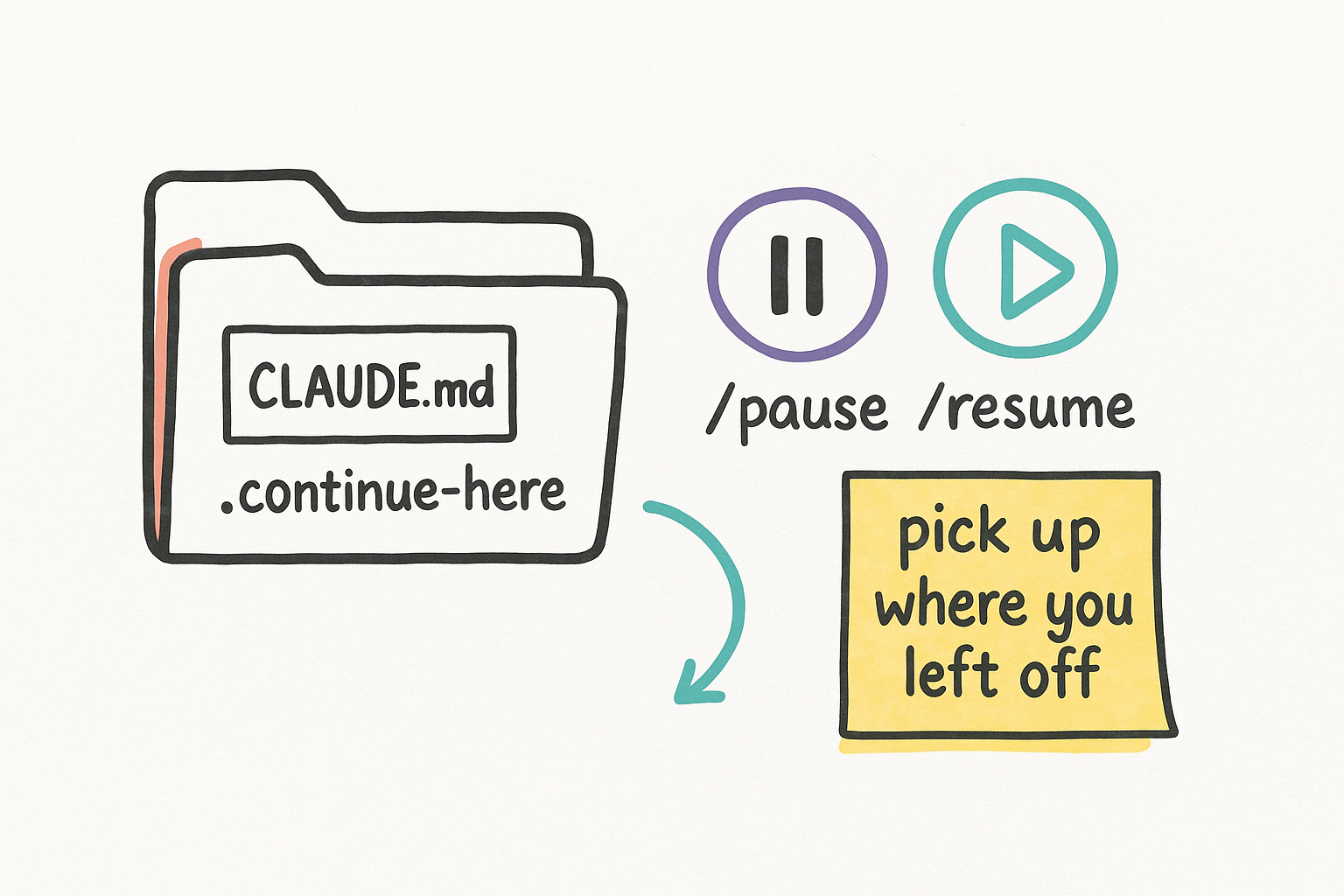
The whole setup lives in its own project folder with a CLAUDE.md (the map) and a .continue-here.md handoff. Open Claude there, type /pause to save the full state, walk away, and later /resume to pick up exactly where you left off. The repo is private on GitHub; the token stays in a gitignored .env, never committed.
- CLAUDE.md = the project map Claude reads on entry.
- /pause writes a handoff, /resume reads it back.
- Private repo + gitignored .env = token never leaks.